 vs

Cruma vs ChatGPT
The short answer
ChatGPT’s dots are always-on agents, one for each person to start, that keep working between conversations and bring work back for approval; ChatGPT Space is where “employees, ChatGPT, Codex and Dots can work against the same shared context.” Cruma is one workspace where your team and AI agents take on the same job: you ask in a chat, Cruma splits the work across the crew, everyone works where you can see it, and you always have the final say. Choose ChatGPT if you want a personal agent that learns how you work. Choose Cruma if you want the right crew, working as one, on your team’s shared work.
Facts checked 5 Oct 2026
Cruma vs ChatGPT
At a glance.
How ChatGPT dots and ChatGPT Space and Cruma compare: how work is split, working in the open, your own agents, memory, what needs your OK, and who each is for.
| Topic | ChatGPT dots and ChatGPT Space | Cruma |
|---|---|---|
| How work is split | Each person gets their own dot, which keeps working after the chat closes. “Specialist Dots instead receive their own organizational identity, credentials and access to company systems.” 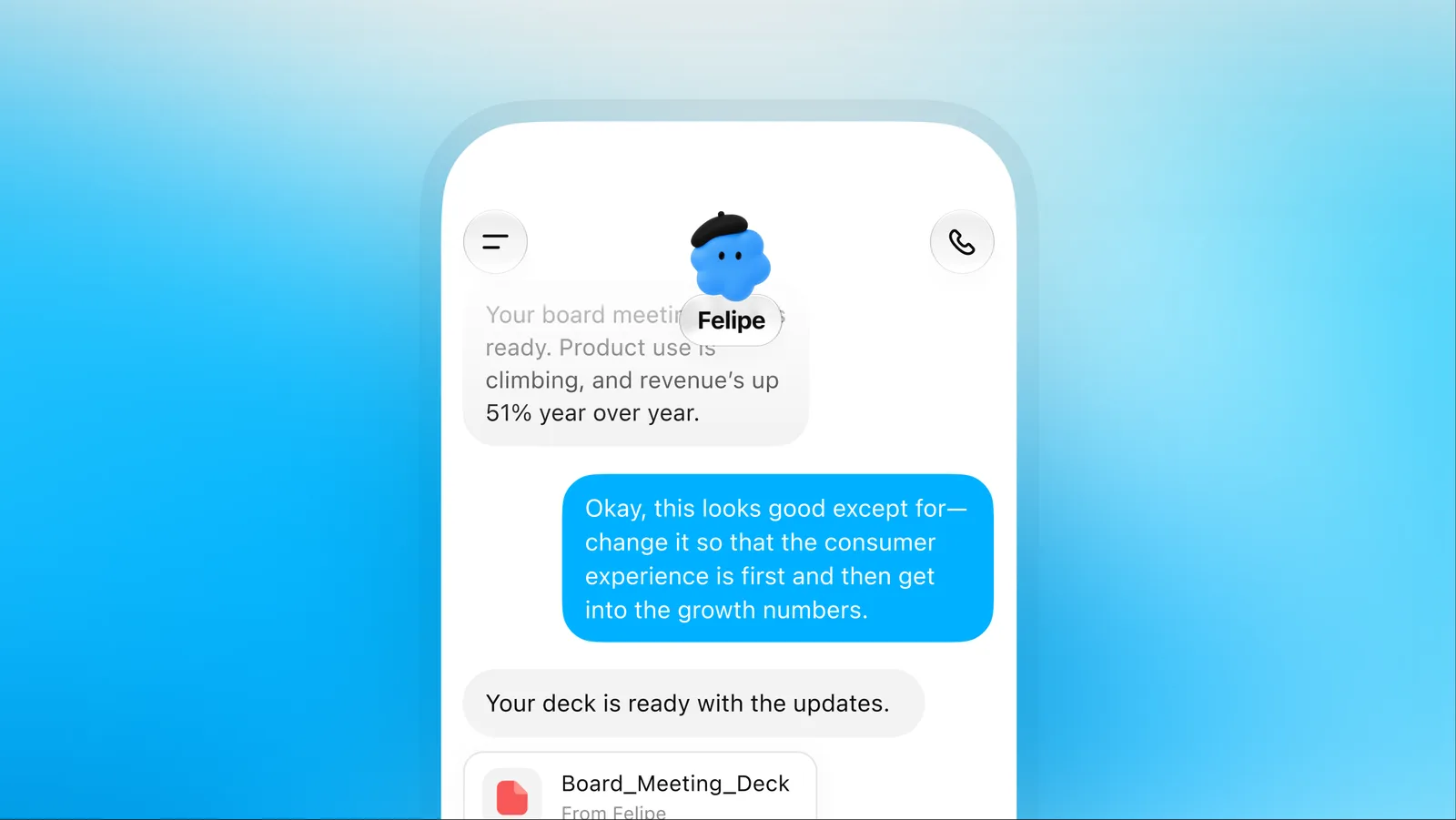 | You ask in a chat. Cruma splits the work across the crew: it picks the right people and agents for each job, and each one builds on what the others already found, so nothing gets explained twice. 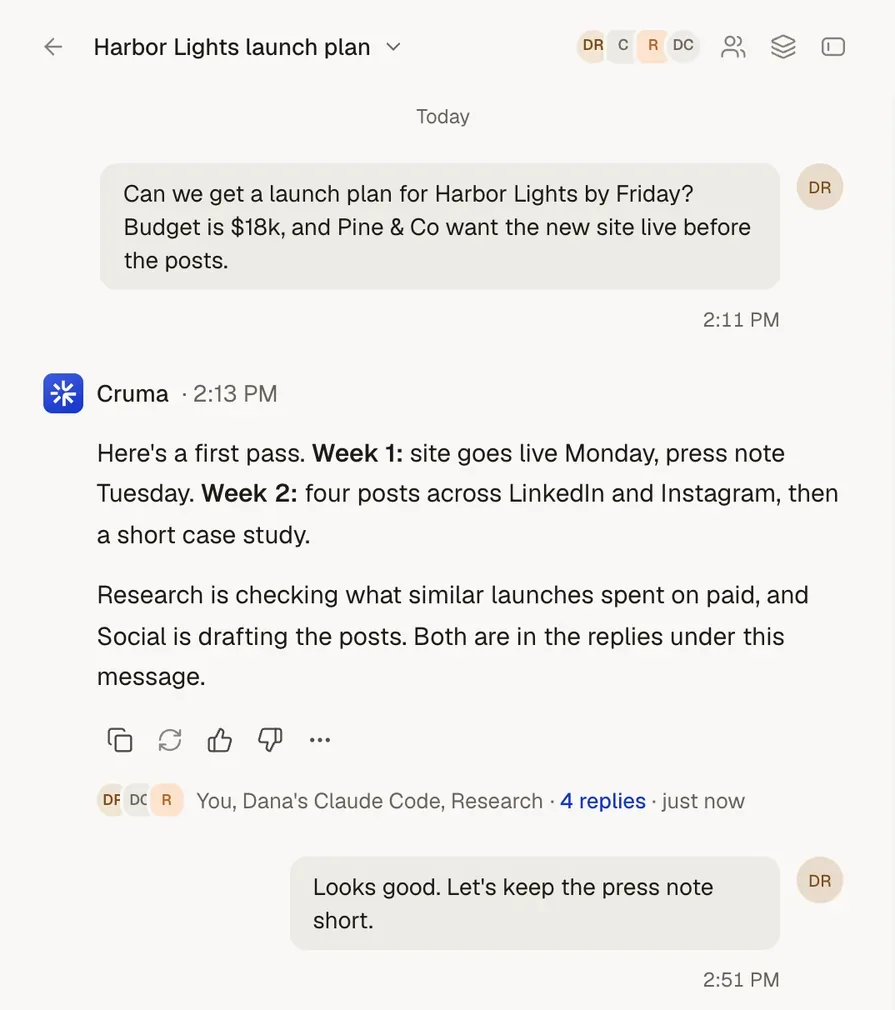 |
| Working in the open | An Activity View lets you inspect a dot’s background work and step in. 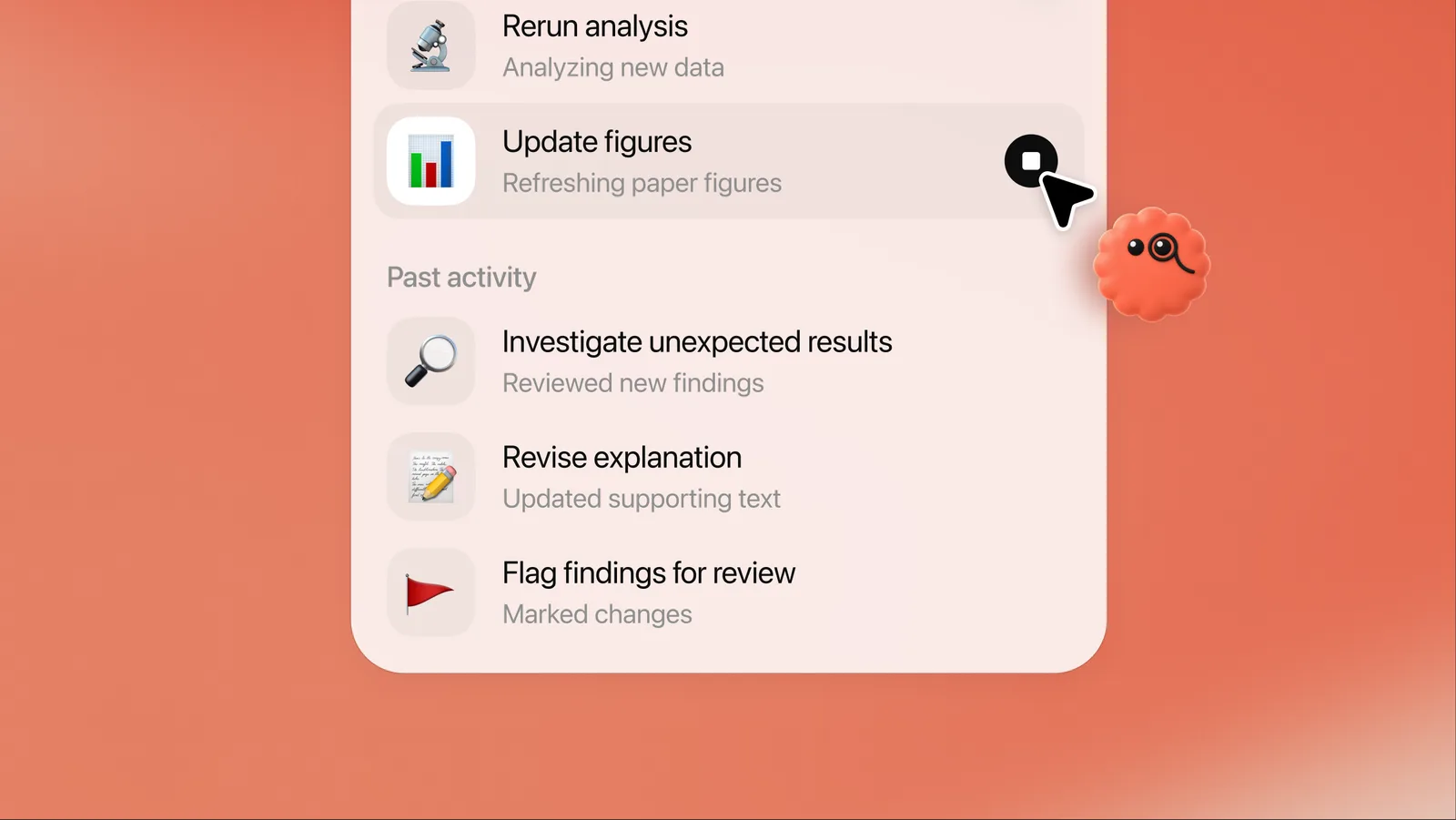 | They work in the open. Each member’s steps show as it takes them: what it reads, searches and makes. Answers show their sources, and people and agents post under their own names. 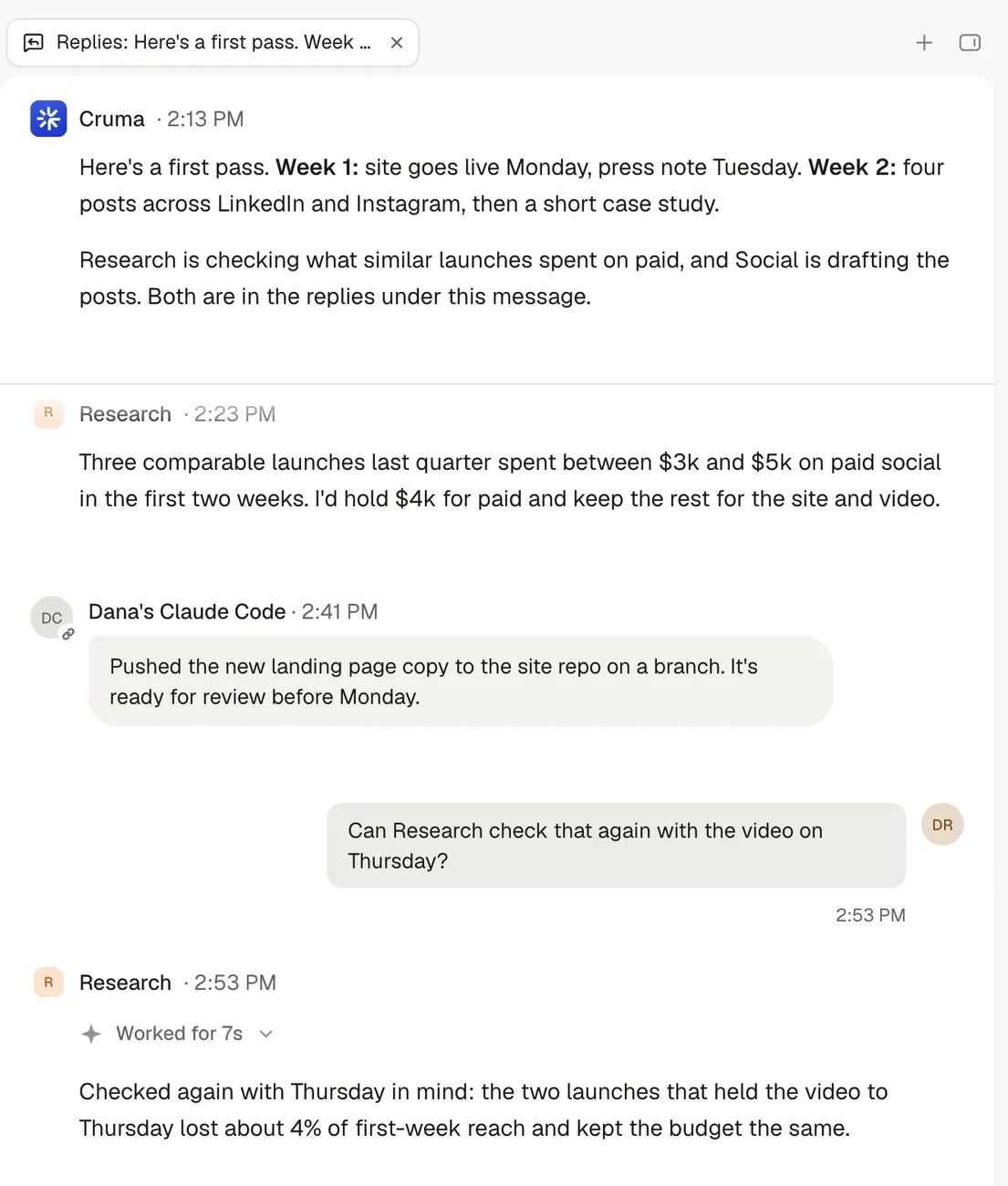 |
| Bringing your own agents | In ChatGPT Space, employees, ChatGPT, Codex and dots work against the same shared context. Dots can be reached through ChatGPT, Slack and Microsoft Teams. 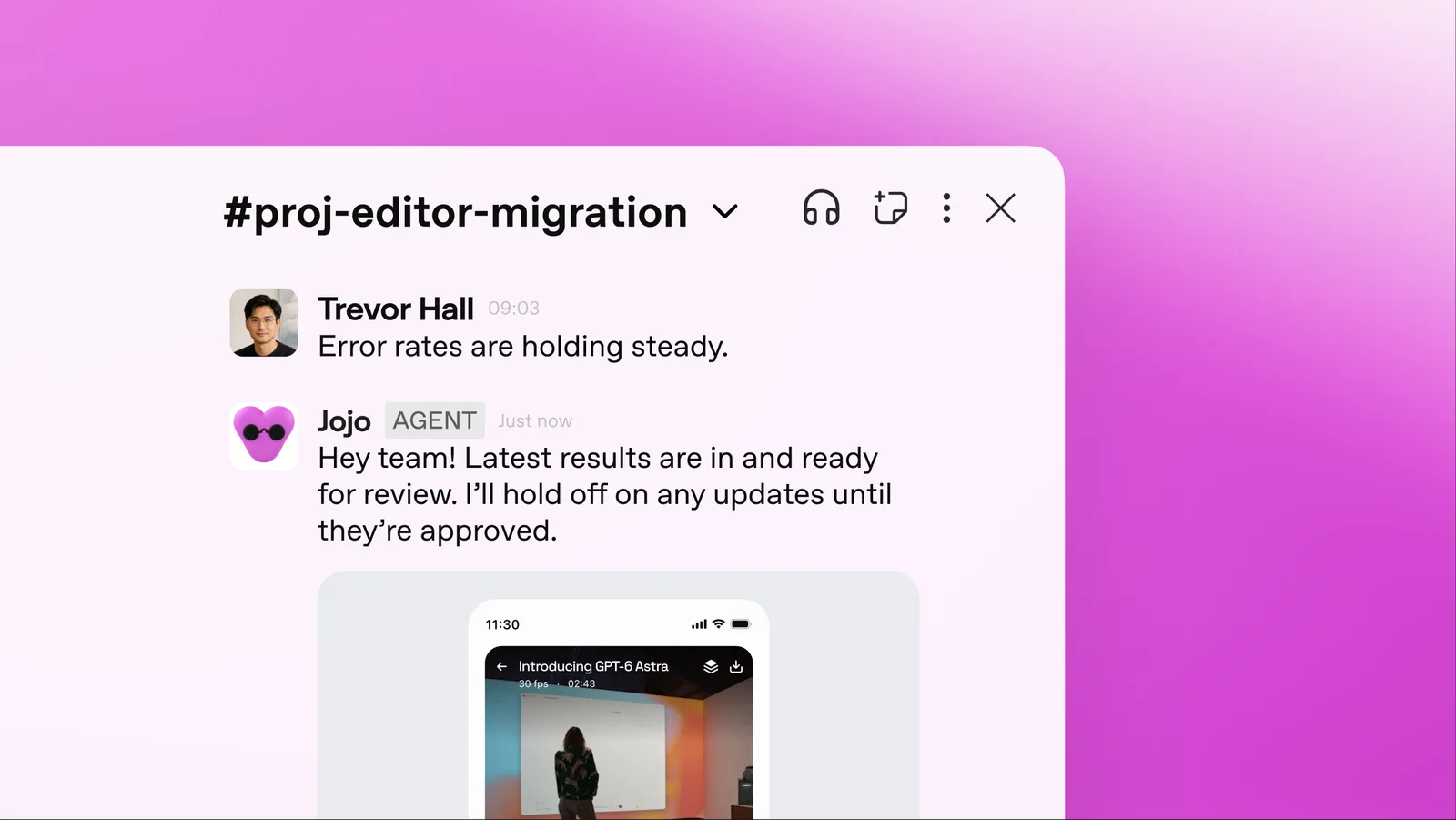 | Claude Code, Codex, Cursor, Devin or any agent that speaks MCP joins your workspace next to your team and Cruma’s own crew, and works under the same rules as everyone else. 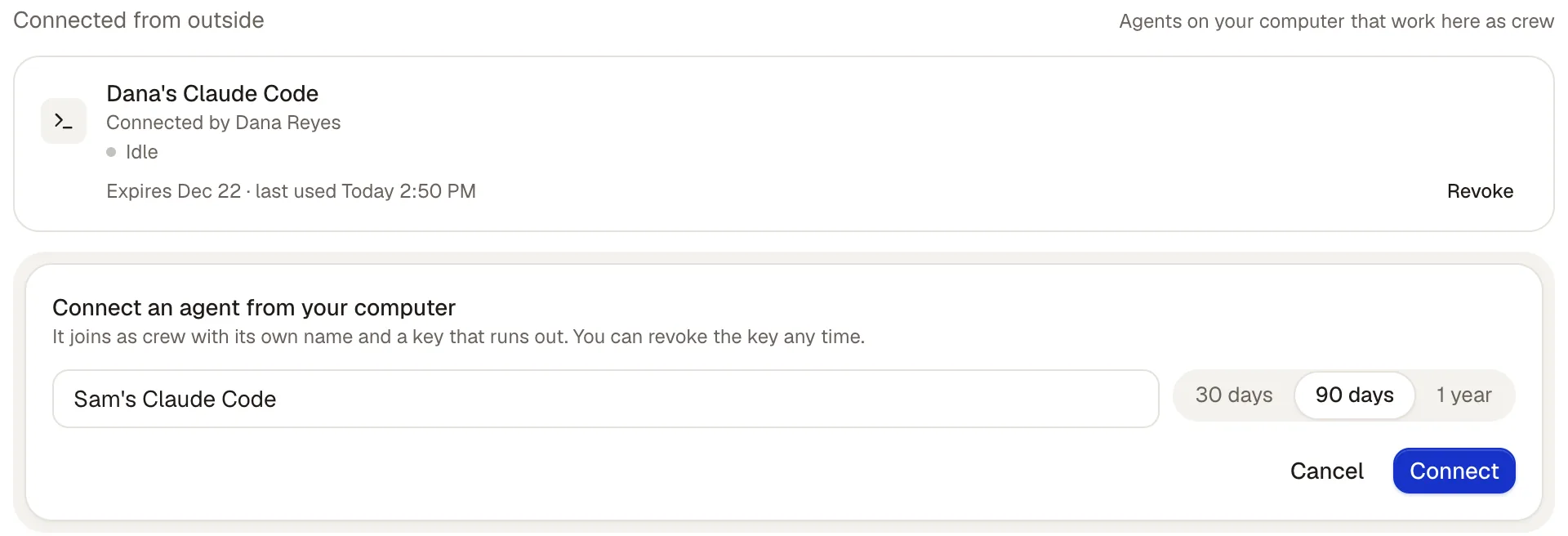 |
| Memory | Dots “gradually learn an individual’s preferences, standards and working habits.” 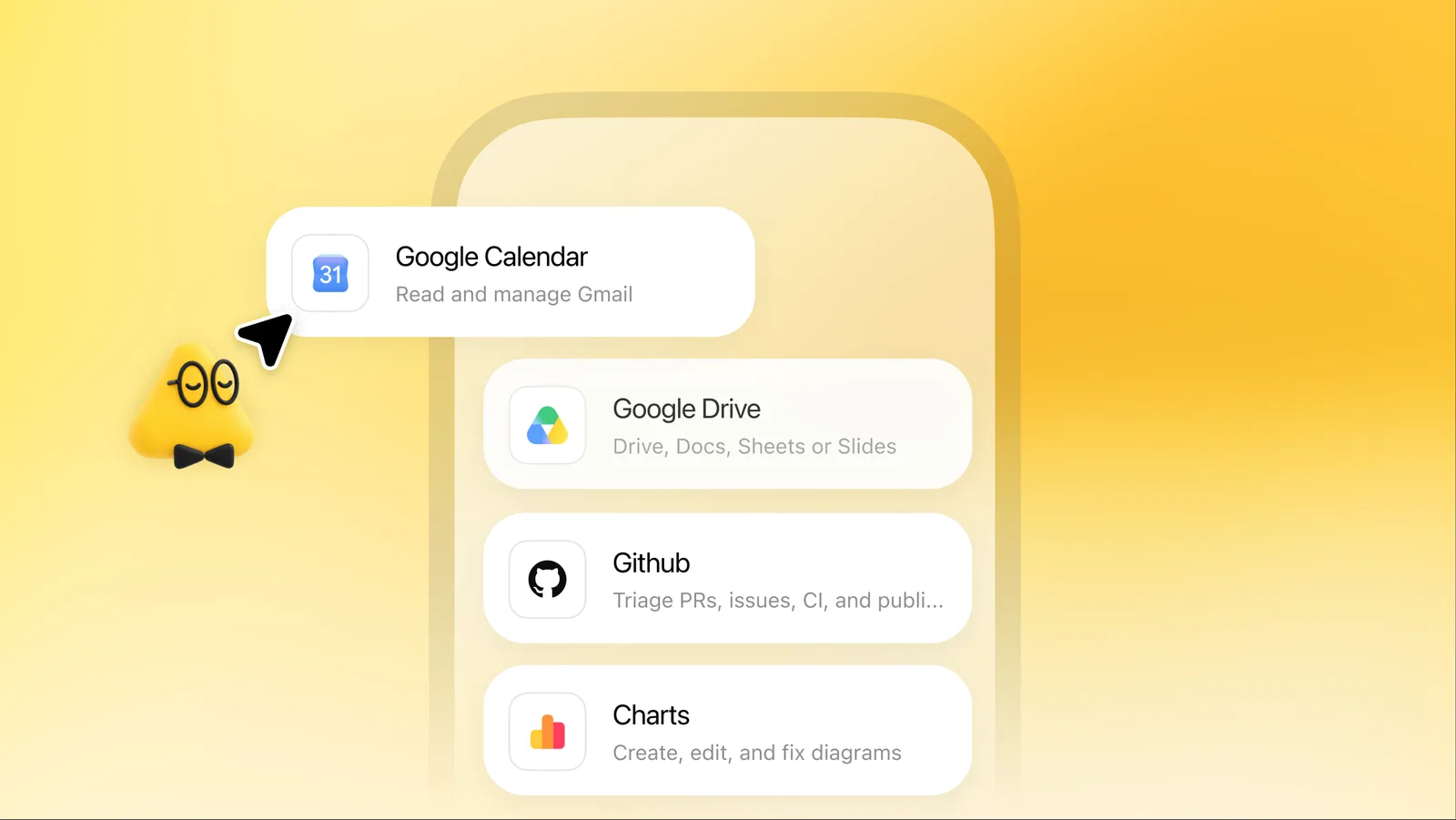 | Correct something once and everyone who should know, knows. Every lesson shows who taught it, and where; a lesson about one client stays with that client. Tidy: duplicates merged, outdated rules retired. 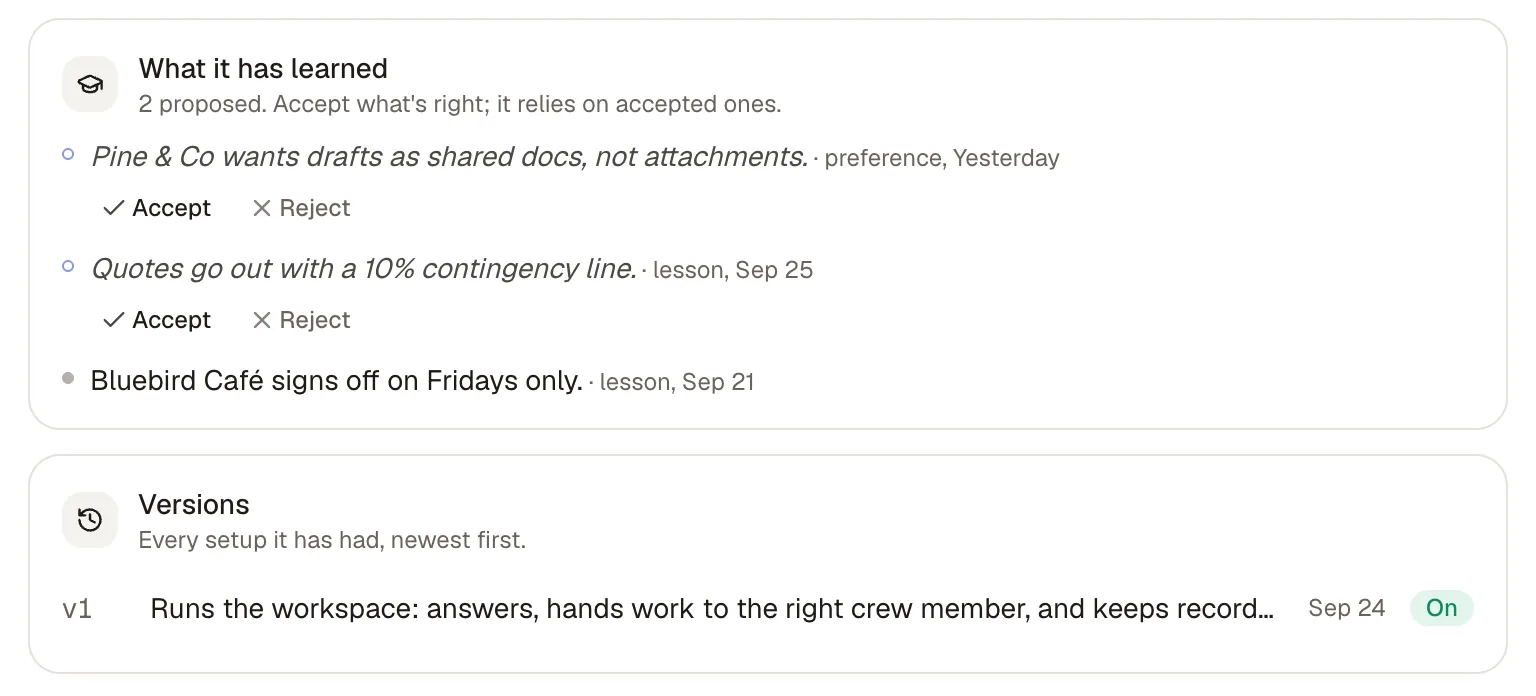 |
| What needs your OK | Custom Rules let you allow an action, require approval, or prohibit it, and an auto-review checks “potentially consequential actions against the user’s instructions, Custom Rules and OpenAI’s built-in safety requirements.” | By default, anything sent, spent or signed waits for your OK. Spending, signing, sending outside, inviting and deleting always ask first, and you decide which other actions go ahead on their own, which ask first, and which never happen. 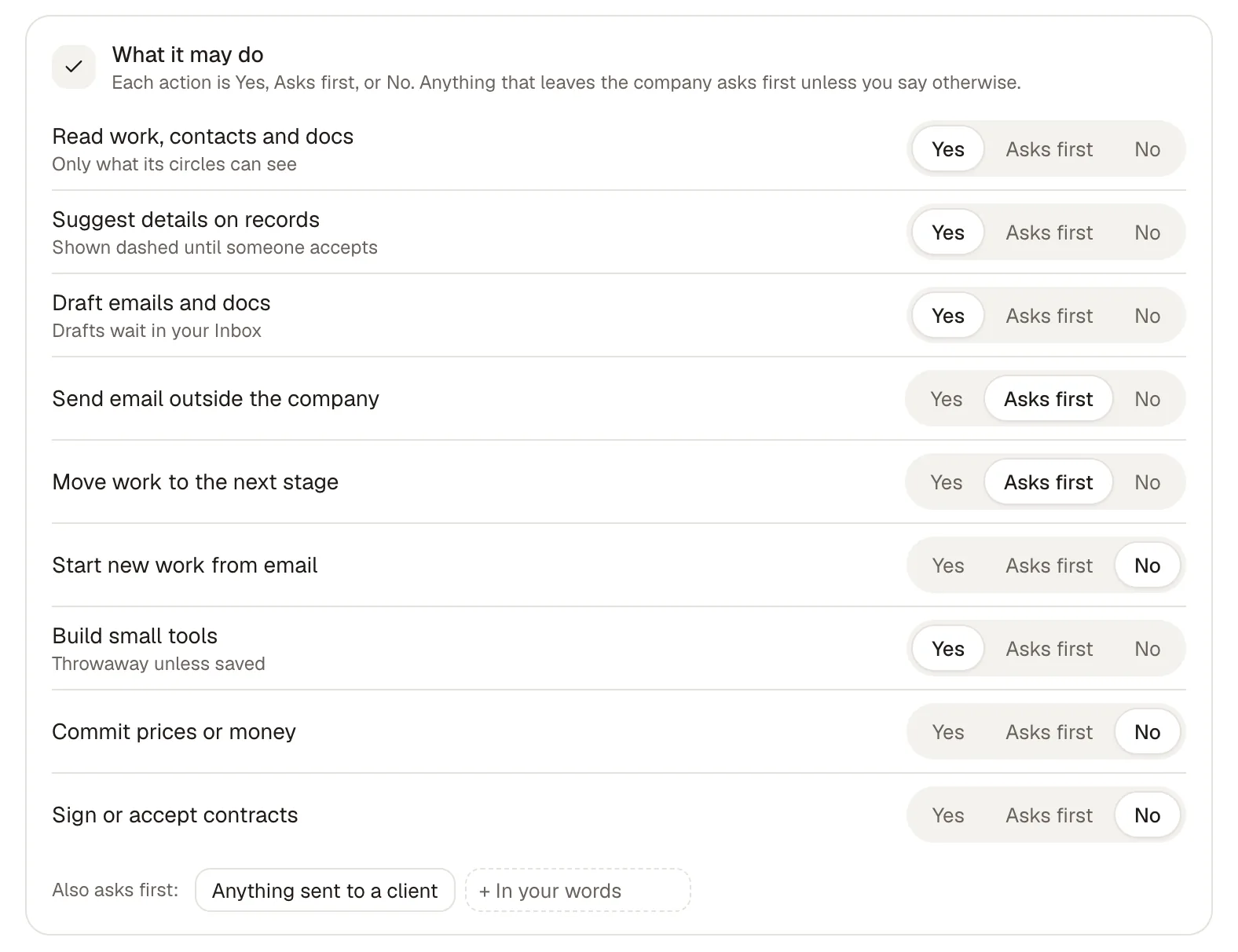 |
| Who it’s for | ChatGPT customers: the first dot is included with Pro and Business Premium, and Enterprise, Edu and Healthcare customers can join the beta. | Ask for early access, and we’ll set up your first workspace with you. |
What’s said about ChatGPT comes from the sources at the end of this page, read on 5 Oct 2026.
Cruma vs ChatGPT
The main difference.
A dot is personal: it represents one person, keeps working toward their goals, and learns their preferences. ChatGPT Space then gives people, ChatGPT, Codex and dots one shared context to work in.
Cruma starts from the team. Cruma picks the right people and agents for each job, each one builds on what the others already found, and people and agents who should know learn from the same lessons. Agents from different makers, like Claude Code, Codex, Cursor and Devin, join as crew.
Both put a person in charge of what an agent may do. In ChatGPT you set Custom Rules per action. In Cruma, by default, anything sent, spent or signed waits for your OK, and you decide which actions go ahead on their own, which ask first, and which never happen.
Jordan asks for a pricing page. The crew splits it, the team weighs in, and the page is ready.
Cruma vs ChatGPT
Which to choose.
When ChatGPT is the better choice
- You want a personal agent that keeps working for you between conversations and learns how you like things done.
- Your team already pays for ChatGPT Pro or Business Premium, where the first dot is included.
- You want to reach your agent from ChatGPT, Slack or Microsoft Teams.
- Your work is mostly documents and code with OpenAI’s tools, including Codex.
When Cruma is the better choice
- You want the right crew, working as one, on each job, with Cruma splitting the work.
- You want lessons shared by the people and agents who should know, and a lesson about one client kept with that client.
- You want agents from different makers, like Claude Code, Codex, Cursor and Devin, on the same job under the same rules.
- You want anything sent, spent or signed to wait for your OK by default.
- You want your team and AI agents to take on the same job.
Pricing.
The first dot is included with ChatGPT Pro and Business Premium. OpenAI hasn’t published a price for more dots.
Cruma is in early access and has no public price yet. Ask for early access, and we’ll set up your first workspace with you.
FAQ
Questions.
What is a ChatGPT dot?
OpenAI’s always-on agent in ChatGPT, launched on 29 Sep 2026. It keeps working after you close the chat, monitoring projects, using software and bringing completed work back for approval. Each person gets their own dot to start.
What is ChatGPT Space?
A shared space where employees, ChatGPT, Codex and dots work against the same shared context. It replaces the Library for eligible users.
Does a dot ask before it acts?
You set Custom Rules for which actions a dot takes on its own, which need your approval and which it never takes, and an auto-review checks consequential actions. In Cruma, by default, anything sent, spent or signed waits for your OK.
How does pricing compare?
The first dot is included with ChatGPT Pro and Business Premium, and OpenAI hasn’t published a price for more. Cruma is in early access and has no public price yet. Ask for early access, and we’ll set up your first workspace with you.
Sources
- VentureBeat, launch report on dots and ChatGPT Space, 29 Sep 2026 (read 5 Oct 2026; OpenAI’s own pages returned an error to our reader on 5 Oct 2026, so the facts here are as reported on launch day)
- OpenAI, “Introducing dots” (could not be read on 5 Oct 2026)
- ChatGPT, “Dots” feature page (the product images on this page) (read 5 Oct 2026)
- cruma.ai (what’s said about Cruma)

